LIVE EFFECTS FOR YOUR CAMERA AND VOICE
DaringFX takes your real camera and microphone, puts effects on them, and hands the result to meeting apps as a camera called DaringFX Camera and a microphone called DaringFX Mic. Pick those two in your meeting app and everyone sees and hears the effected version.
Free. macOS 14 or later, Apple silicon.
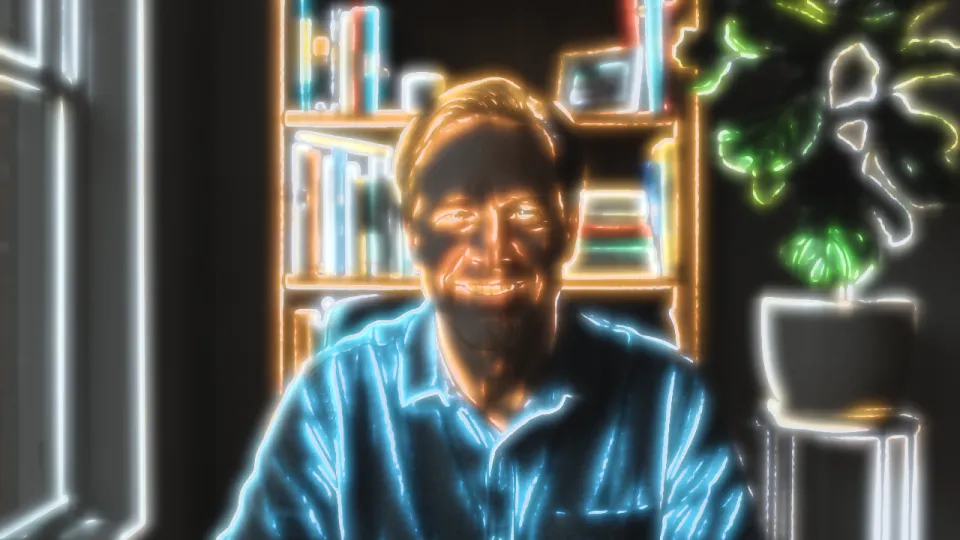
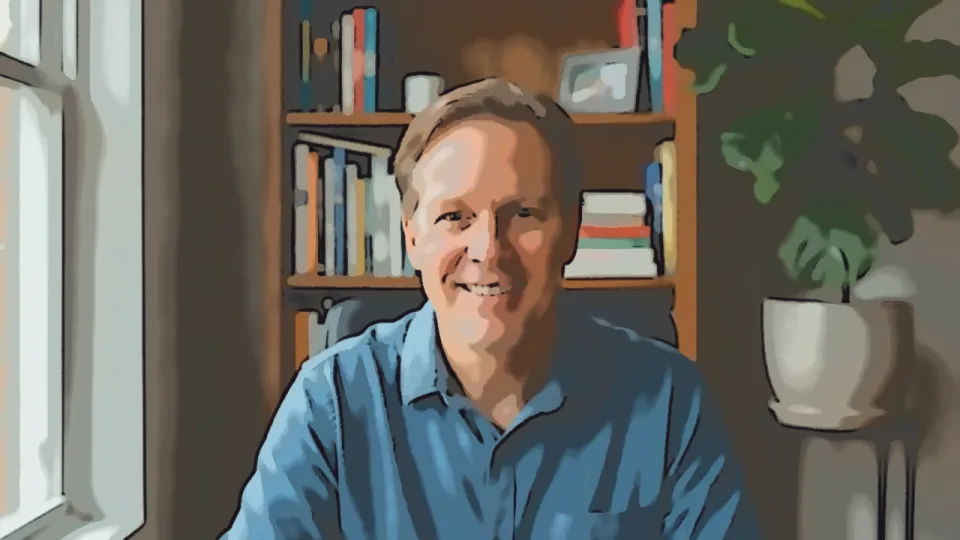


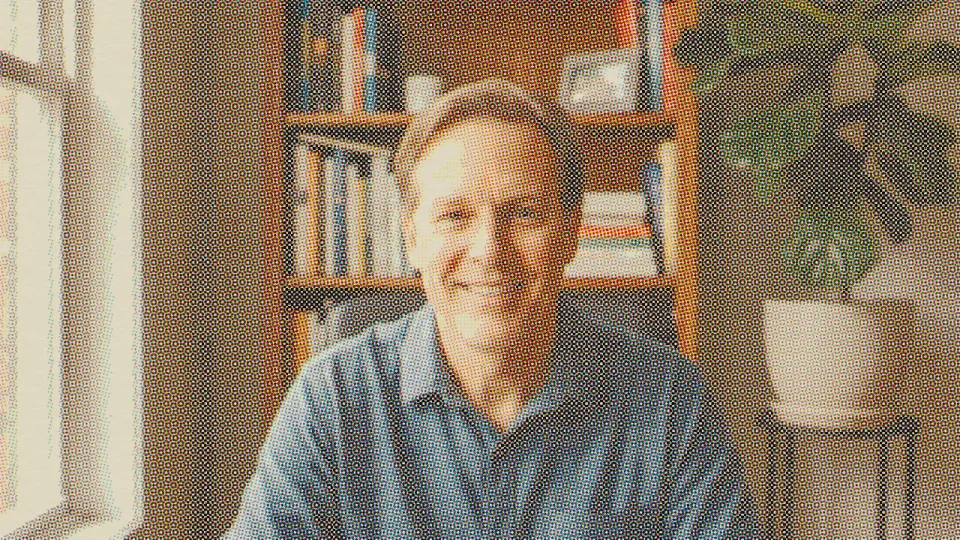

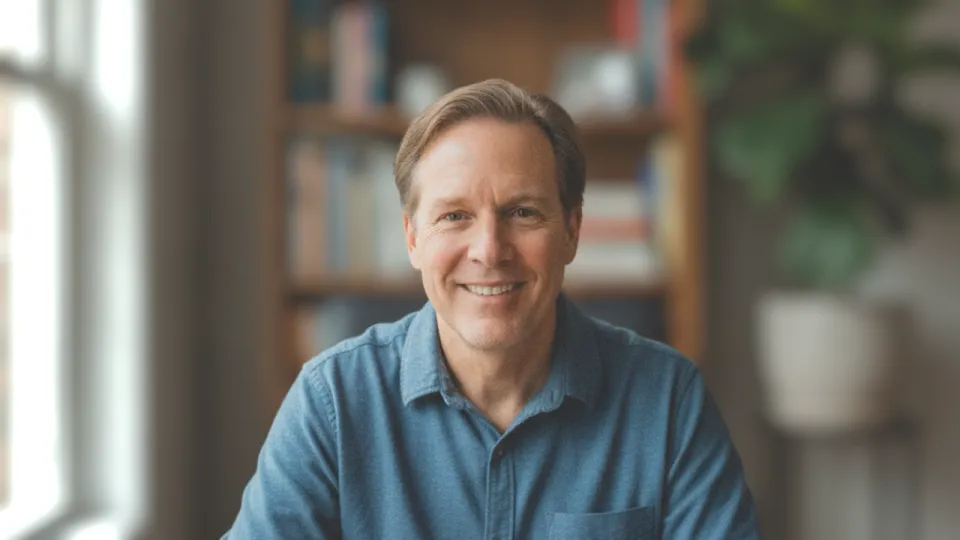
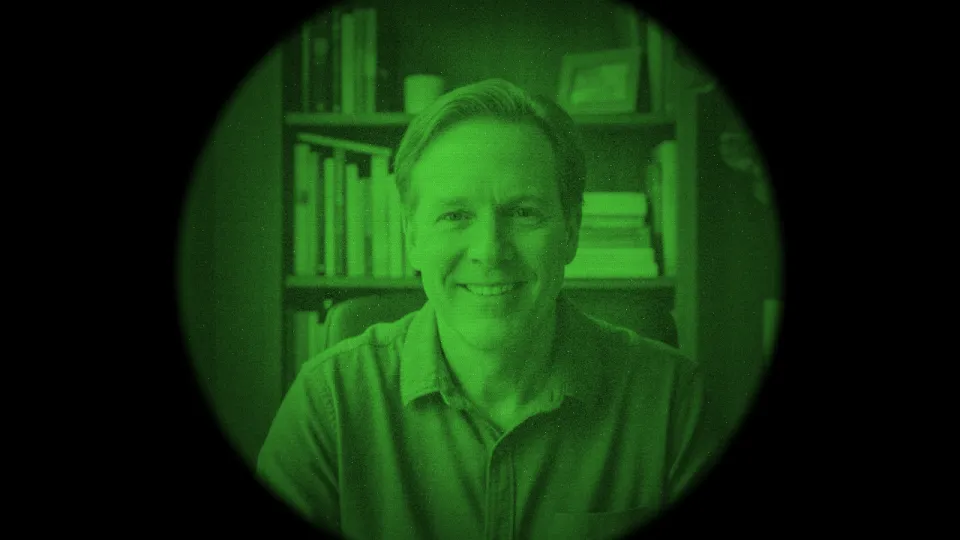

Each picture is one effect at its default settings, rendered by the app's own engine. The person is computer generated.
WHAT IS IN IT
129 camera effects
In ten groups. Stack them in a chain; each has its own controls.
15 voice effects
From Broadcast Voice, which cleans up your own voice, to Robot, Helium, Cathedral and Underwater. The sound is delayed slightly so it stays in step with the picture.
Auto Frame
Follows your face and shoulders like a camera operator, and widens when a second person joins you.
A fake bad connection
Six presets and five momentary triggers, such as Freeze 3 s and Drop Call 6 s. The picture and the sound fail together, so it is believable.
Server Error
Swaps your picture for a gateway error page that blames the server, on a switch or whenever the fake connection is reconnecting.
Presets, shortcuts and Bypass
Save a setup as a preset, give it a global keyboard shortcut, and reach it from the menu bar. Bypass sends your plain camera at once.
THE TEN GROUPS
- Film looks and grading
- film stocks, black and white, day for night, skin smoothing, LUTs
- Optics
- halation, film grain, lens flare, tilt shift, bokeh blur, kaleidoscope
- Illustration looks
- toon ink, pencil sketch, halftone print, oil paint, stained glass
- Retro
- VHS tape, CRT monitor, dither, ASCII, night vision, photocopy
- Glitch
- channel shift, pixel sort, JPEG crush, interlace tear, pixel melt
- Background
- blur, replace, green screen, duotone, people outline, spotlight
- Time
- echo trails, slit scan, stutter, datamosh, time grid
- Meeting tools
- Auto Frame, name tag, be right back, loop me, clock, low light
- A fake bad connection
- six presets from Flaky Wi-Fi to Total Meltdown, and Server Error
- Comedy
- googly eyes, big head, shades, mustache, deep fry, dramatic zoom, confetti
WHAT YOU NEED
- A Mac with Apple silicon
- macOS 14 or later
- A meeting app that lets you choose its camera and microphone
Setup takes a few minutes because macOS asks you to approve the virtual camera yourself. See the steps.
KNOWN LIMITS
- This is an early version, so expect rough edges.
- The voice effects and the virtual microphone have had little live testing.
- Halation, Anamorphic Streaks, Star Glints and auto Lens Flare need a bright light in frame to show.
- Face props placed after effects that move the whole picture, such as Spin or Big Head, do not follow it yet.
The virtual microphone driver is built from BlackHole, which is licensed under the GPL-3.0. Its source is at github.com/ExistentialAudio/BlackHole.